


The other day I had the sudden urge to play Final Fantasy X on my Playstation 2. For a few reasons.
I surprisingly never played a FF game before (blasphemous I know).
I have a FFX Magic the Gathering deck, so I recognize all the characters but know nothing about them.
I need to justify my prohibitively large retro collection by actually using it (More on that another day).
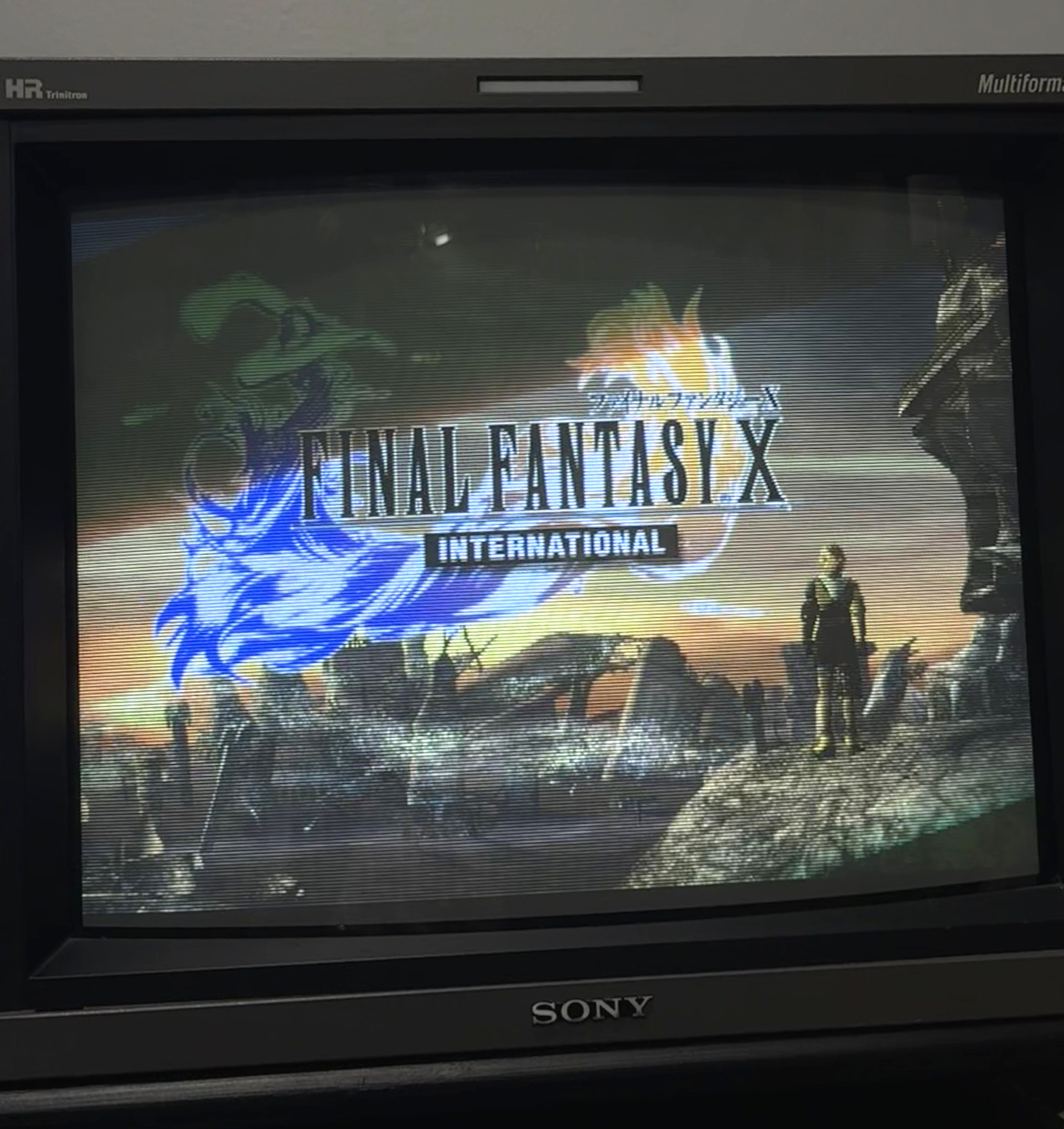
This beautiful photo:

This probably isn’t from the PS2 version but I digress

But when I found time to sit down and play, the PS2 kept shutting itself off within a few minutes of turning on… The next day it wouldn’t turn on at all, and the power LED that is usually on was off.
Time to investigate…
Diagnosing
I’m not an electrical guy to please excuse my subpar explanations.
My first thought was that the console was overheating. This theory kind of went out the window when it refused to turn on at all but I figured I would check this anyway. This just amounted to checking the fan vents for excessive dust. There wasn’t much besides what you’d expect for a 25 year old console.
Unfortunately it was time to dig deeper.
I have my fair share of experience fiddling with older consoles/tech so one PS2 disassembly guide later and we are off trying to investigate.
After doing some research I found a list of common issues that plague the PS2:
Blown power supply fuse.
Damaged internal power supply (Capacitors or other components).
Damaged power button ribbon cable (these seem to be especially sensitive).
I decided to check the simplest issues first while also trying to narrow down where the issue is stemming from. So I removed the PS2 power supply (pictured below) and began testing.

I started by checking the power supply fuse (green box in image). Simply grab a multimeter, set it to continuity mode and touch both ends with the probes. The multimeter should show close to 0 (honestly I think any number but a ‘1’ is fine here). It passed the continuity test and I re-sat the fuse for good measure. Its worth nothing that I thought there was a burn mark on the fuse, it instead turned out to be a factory marking.
Next my goal was to determine if the issue was stemming from the power supply at all. I started by plugging in the power cable and probing the back of it (red box in image) to make sure the power supply receiving 120V AC from the wall. FYI, this is kind of sketchy because you can get a nasty shock even after you unplug the board if you touch the capacitors or other components. I was able to read the correct voltage so my next step to check that there was power actually leaving the power supply.
The purple box in both images (above and below) is where power is supplied to the rest of the console.
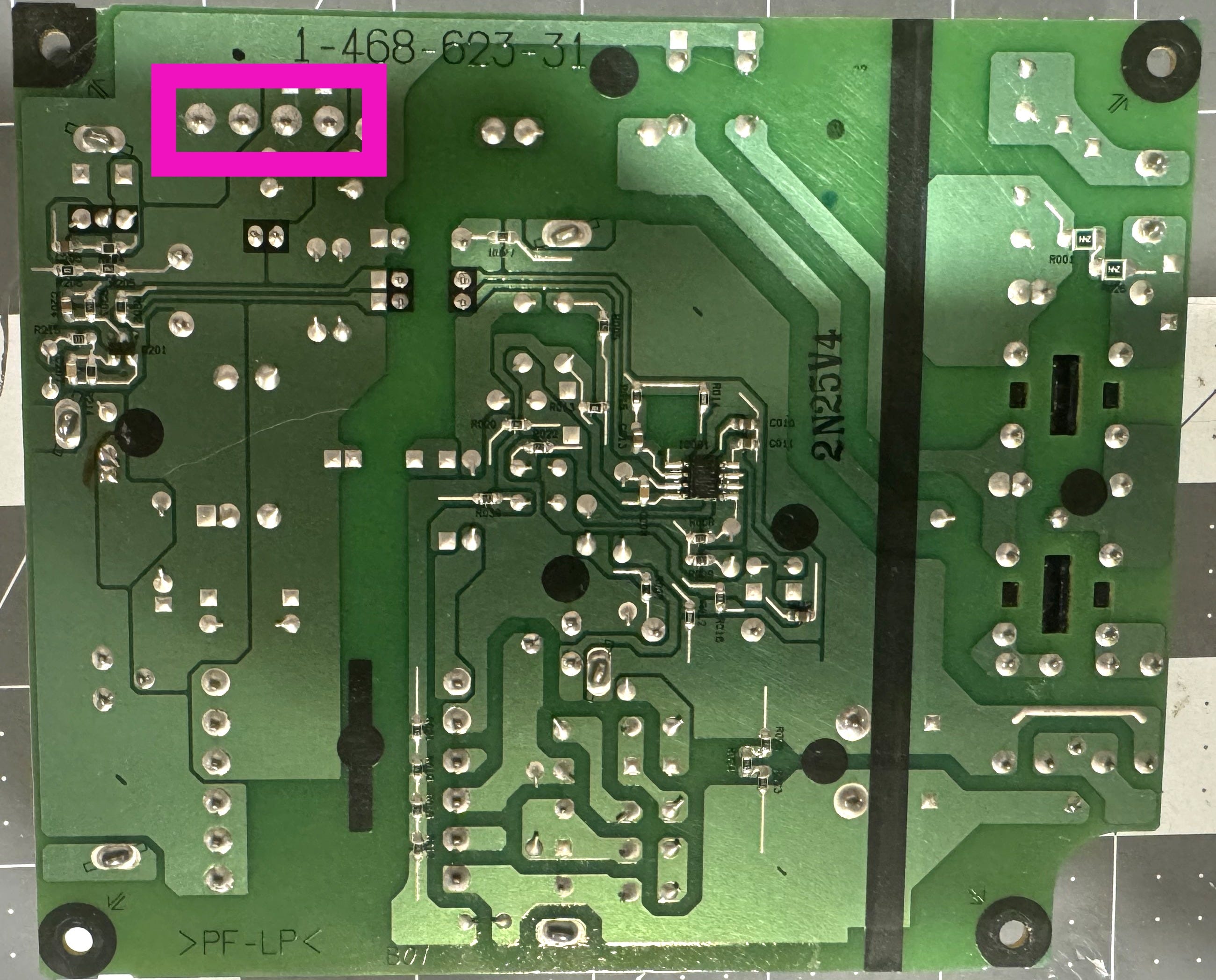
The power supply uses long pins to connect to the rest of the console which insert into the white header on the top side of the power supply. It was difficult to stick the probes into it so I flipped the power supply and checked there. We are looking for 12V DC on these pins (purple box above). Again because I'm not a particularly knowledgable on this stuff I didn’t know which 2 of the 4 pins need to be checked. I also didn’t feel like figuring out which one of them are the grounds (or if that even matters) so I just tried very combination of them.
Bingo!
I get no reading on anything meaning the issue lies within the power supply. This is good and bad news. The good news is we found the issue. The bad news is that the only reliable replacement for the power supply is $45 plus shipping and currently sold out which is getting close to the price of buying another PS2.
The Resurrection
Before pulling the trigger on a new power supply I decided to exhaust all of my options. I did some further research and checked continuity on some other components as well as I could using my crappy $15 Harbor Freight multimeter. Everything seemed to check out. I’m sure if I had some more tools (and knowledge) I could have concretely figured out the issue but I want to think less and play more so…
My final hope was that the capacitors on the power supply simply went bad and needed to be replaced. This is usually the default solution when it comes to repairing old electronics (again I have no way to test them). Surprisingly this option wasn’t mentioned much when I was researching solutions.
I did find this page on the Consolemods wiki which mentions that certain capacitors can often go bad despite having no visible issues. I checked Console5 which is known for selling capacitor kits (I used them before to repair my NES). They luckily sell PS2 power supply capacitor kits!
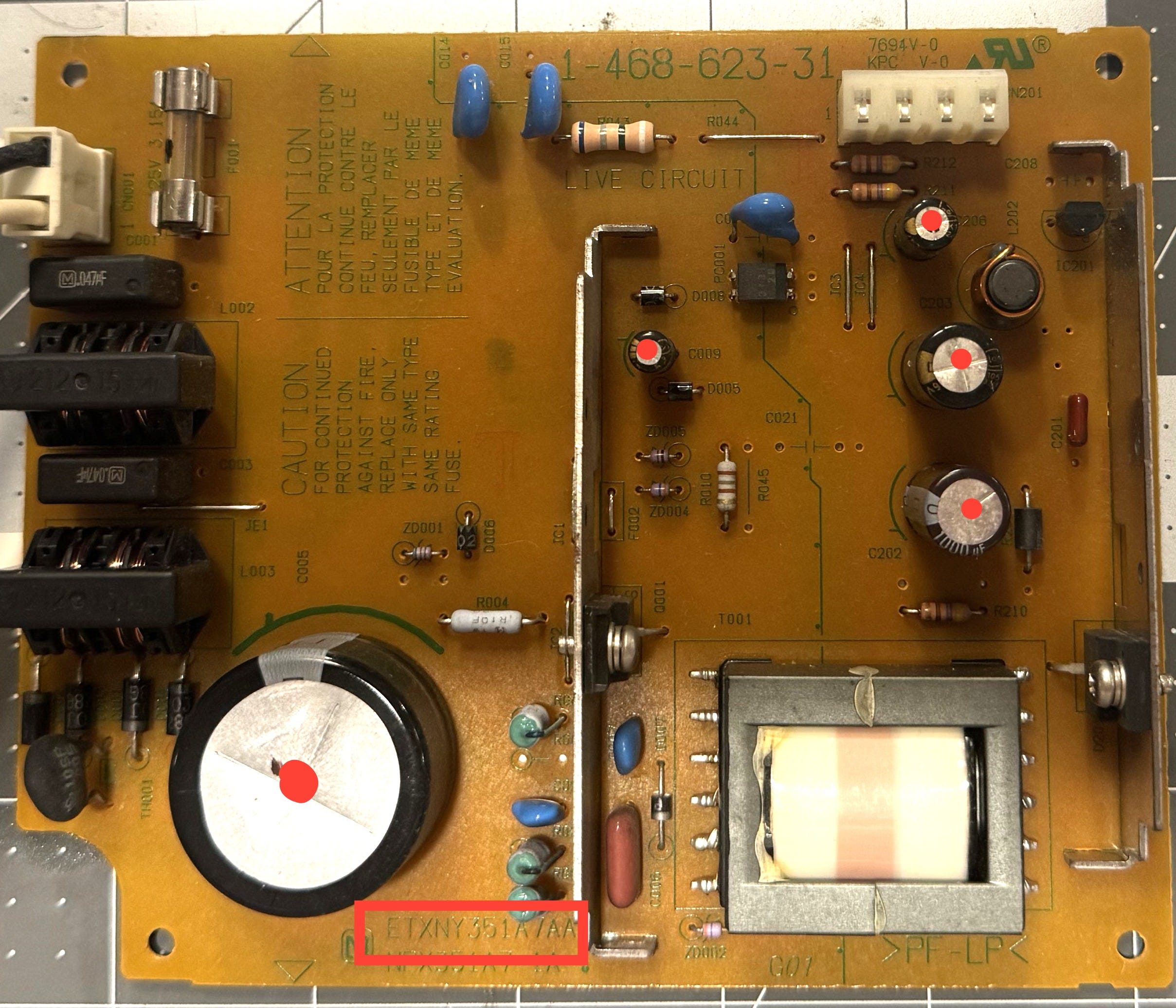
I just needed to find which iteration of the power supply I had since theres a handful of them. This is found in the near the large C5 capacitor (see red box above), ETXNY351A7AA in my case. Speaking of the large C5 capacitor, you need to purchase that one separately. You can choose between the same form factor or a taller/skinny version. I went with the former since it was significantly cheaper ($7 vs $2), you just need to install it laying down on its side. Just make sure to check the specs, the voltage should be the same or greater than the original. The capacitance is okay to be above or below the original spec according to Console5.
There is a reference for each capacitor kit here. It tells you where each capacitor goes making the process nice and easy! My kit replaces C5, C9, C202, C203, C206 (I marked them with red dots in the image above). Notably it doesn’t replace C3 which is mentioned in the Consolemods wiki page I mentioned earlier but that I’m chalking that up to differences among power supplies versions.

The install was simple enough with basic soldering skills (I forgot to take photos). Just remember to orient the capacitors in the correct direction, you can use the orientation of the originals at reference. I somehow installed all of mine backwards but realized before turning it on.
Now for the moment of truth, I inserted the power supply back into the console and plugged it in…
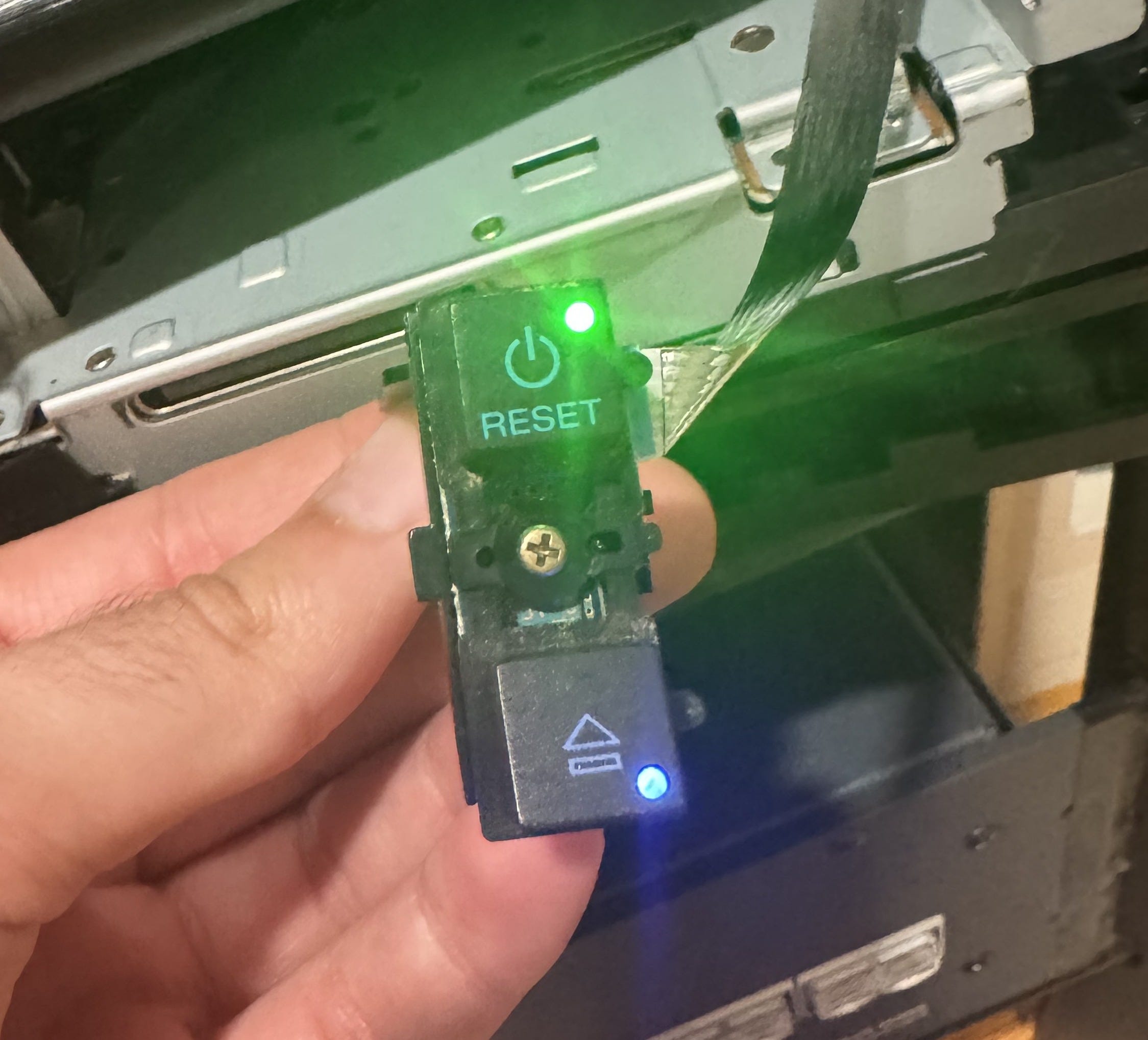
Yay! It’s alive!
Now I can begin our Final Fantasy X adventure 😎.
Takeaways
Honestly, it just felt good not letting the PS2 or its power supply become e-waste. Its especially satisfying being able to repair your own tech, something that comes much more difficult today.
And note to self: take better photos, especially ones after you complete the project.
If you made it this far, thanks for reading!